

Picture a typical slot catalogue: gold artwork, a jungle adventure and a familiar-looking character competing for attention. Before choosing anything, look at the quieter text around the picture. The game title, studio name and available information tell you far more about the destination than the artwork alone. They also give you a useful way to find the same title again.
When browsing AB33 / Asiabet33, start with the Slots category and treat the lobby as a catalogue. A catalogue becomes easier to use when you know what identifies the item, who made it, and which version or mode is in front of you. Those three questions make a useful route through a crowded mobile screen.
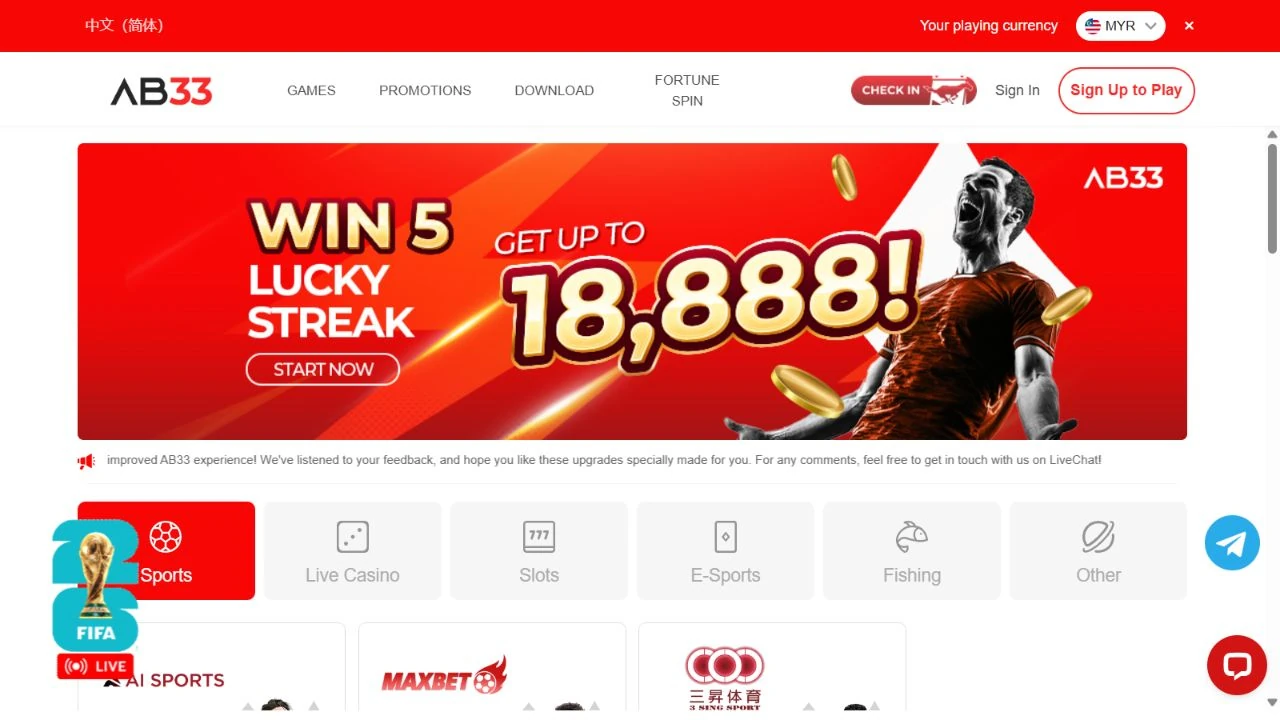
Read the full title, including the small words
Similar artwork can belong to different games. A sequel, special edition or feature variation may share the main character and most of the title. Read the full name before assuming two tiles represent the same game. If the title is shortened in a small card, look for the complete name in its information panel. When taking a personal note, record that name exactly. It is a much better search clue than “the one with the green background.”
The provider label adds another piece of identity
The captured AB33 Slots catalogue starts with provider cards, including Playtech, PlayAce, BBin and Nextspin. These labels identify the collections available from the platform. Keeping both names in view makes comparisons clearer, especially when a title appears in several catalogues. A provider label can help narrow a search, but the individual game's own information still matters. Games from the same studio can have different layouts, features and settings. Read the title and provider as a pair.
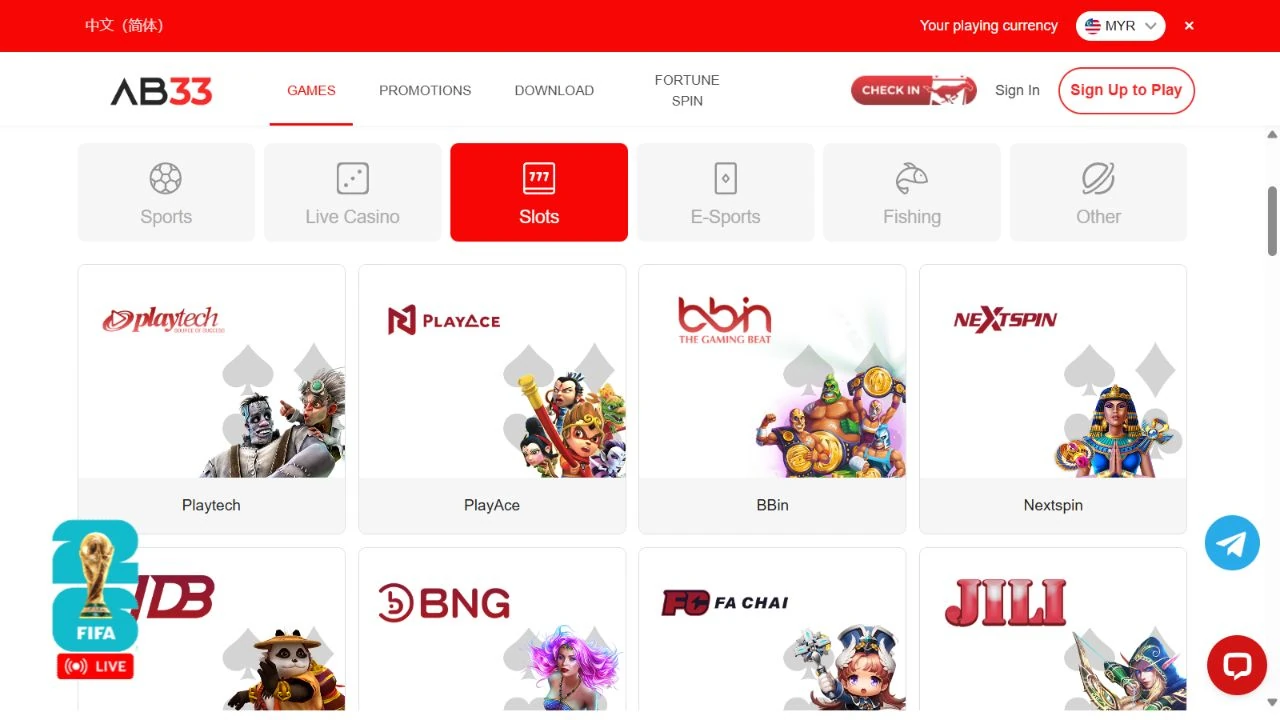
Let search or filters answer one question at a time
Where a lobby provides search or provider filters, begin with a single identifier. Search the complete game name, or select the studio and then read the remaining titles. Combining several assumptions at once can hide the result you wanted. If the name does not appear, check spelling and any edition suffix before starting over. Availability can also change between catalogues, so an empty result is a reason to recheck the listing rather than invent a different title.
Open the information before interpreting the symbols
Artwork suggests a theme. The game's information explains how its symbols and features work. Look for the paytable, help panel or rules control and read the terms used on that specific game. If a figure is displayed as a multiple, check what base amount it refers to. If a feature has a separate setting or cost, find its explanation. Keep your observations tied to the information displayed in that panel, including the selected mode and any settings relevant to the explanation.
Give a demo page its own identity
A demo can be useful for learning a game's interface. It also deserves a clear label in your browser. Read the page title, address and any mode indicator so you understand which site and version you have opened. Practice credits, where displayed, belong to that practice session. Record the displayed mode alongside any practice balance so your notes remain clear when you return. Check the game's help controls again if a different site presents the same artwork with different settings.
Compare a few references instead of a wall of tiles
For readers exploring studio-based catalogues, separate references include JILI demo browsing, PG Soft demo browsing and Pragmatic Play demo browsing. These are separate websites, each with its own pages and availability. Use the exact game title and studio label when moving between them and an AB33 listing. For each reference, identify the displayed mode and read the individual game's information on that page.
Keep a small comparison note
A useful note needs only a few fields: exact title, provider, page address, displayed mode and the information you wanted to understand. Add the date if you plan to revisit it. That gives you something concrete to compare when the lobby changes or a bookmark opens a different page. It also helps you ask a focused support question. “Where is this game's help panel?” is easier to answer when the exact title and destination are included.
A short lobby checklist
- Read the complete game name and any edition suffix.
- Identify the studio label alongside the platform name.
- Check the page address and displayed mode.
- Open the specific game's rules or information panel.
- Save the exact destination if you want to return.
Common questions
Does matching artwork mean two games are identical?
The title, edition and game information provide the better comparison. Similar-looking cards can lead to different releases or settings.
Can a demo confirm how another site's account works?
A demo shows the interface and mode available on its own page. Account access, balances and transaction conditions need their own evidence on the relevant platform.
What is the simplest way back to the right listing?
Keep the exact game name and provider in your note, then return through the AB33 homepage and its Slots category.
The useful detail in a busy slot lobby is often the smallest label. Read the name, identify the studio, and understand the page you opened. A few deliberate checks turn an attractive tile into a destination you can recognise and explain.
Continue with our paytable guide for reading an individual game's information, and our wild and scatter guide for a closer look at symbol roles.